OctoDoc
IRS Form W-9
Source: Internal Revenue Service
1. Name
2. Federal tax classification
3. Certification
How OctoDoc works
Choose the exact PDF, prepare who signs, and return the same signed file to everyone — with you in control at every step.
The whole path
OctoDoc keeps the work together from source file to signed PDF. You stay in control at every step.
IRS Form W-9
Internal Revenue Service
OctoDoc
Source: Internal Revenue Service
1. Name
2. Federal tax classification
3. Certification
Upload a PDF, confirm and review a Word-to-PDF conversion, or choose a source-checked reusable PDF form.
Add the people, place their fields on the real pages, set the order, and check the outgoing file before anyone sees it.
Each person opens one secure link, reads the whole document, completes only their fields, and reviews before signing.
After the final signature, the sender and every signer keep the same signed file.
Upload and review
A PDF keeps its source pages. A Word file asks before conversion, then waits for your explicit approval before preparation.
Ask about the document
Ask Octo answers supported factual questions with the exact passage and page it used.
Use a reviewed form
Choose a reusable PDF form by issuer and source. OctoDoc checks its stored digest before opening a private copy.
A Word file stays in your browser until you select Convert to PDF. The result cannot move forward until you inspect every page and select Use this PDF.
Prepare and send
Add the people who need to sign, assign their fields, set the order, and inspect the outgoing document before anyone receives it.
Place signatures, initials, dates, names, emails and text fields on the real pages. A person places and confirms every field — not an automatic layout.
When you send, OctoDoc freezes the version you reviewed. Resending cannot swap a different document under an open signing session.
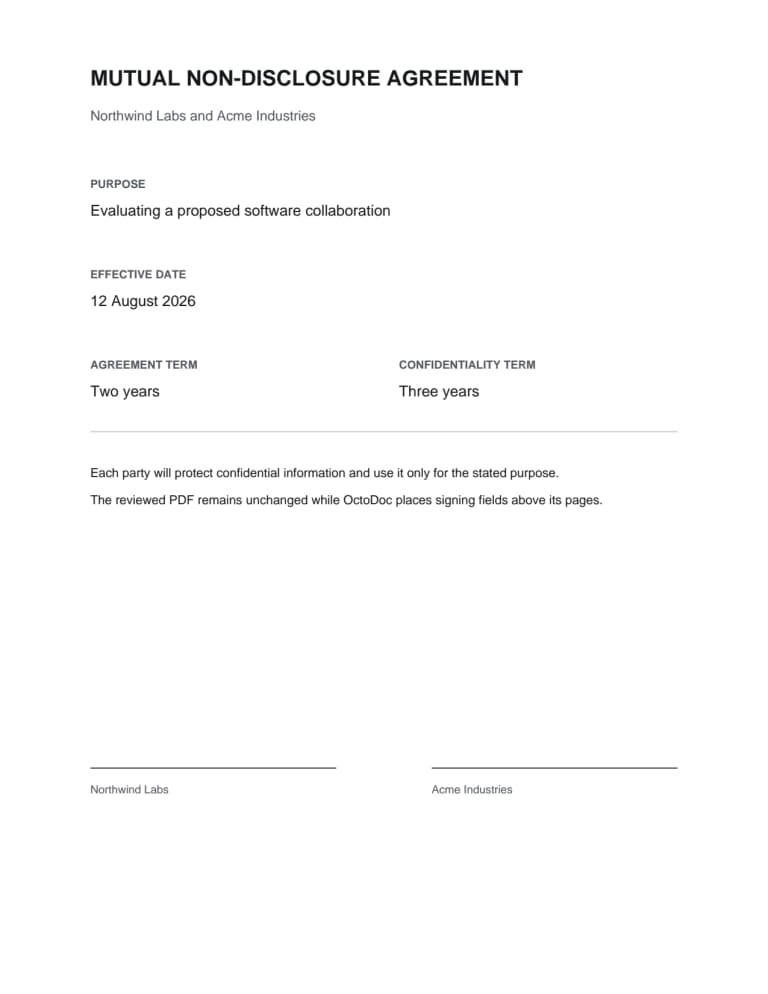
Real fixture document · PDFium page render
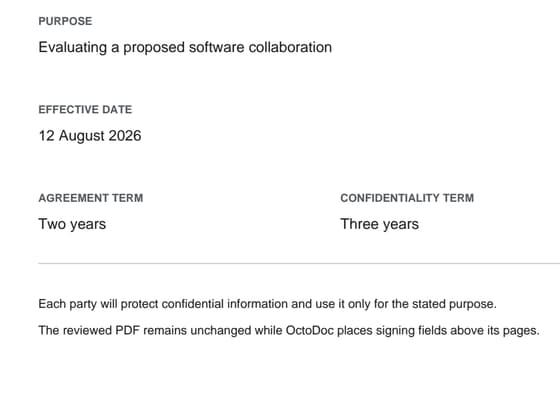
Measured crop · purpose and dates
Review and sign
Nothing to install. Each invited person uses one free account for every verified email address that receives a request.
The signer can read every page, download or print the file, and move only between fields assigned to them. They can type a signature or draw one.
A separate review step catches missing fields before the final action. An expired invitation or a changed document stops the session instead of producing a partial result.
Seal and return
When the last signer finishes, OctoDoc seals the file once. The sender and every signer get access to that result.
Only the fields people approved enter the frozen PDF. Ask Octo answers and citations never become part of the signed file.
The sender can see who is waiting, who has signed, and where to download the signed PDF.
OctoDoc describes the cryptographic result it produces. It does not promise that a court will accept a particular agreement.
What you keep
Your account keeps the signed file available under the published retention period. You can download it, store it, and check its signature in a normal PDF reader.
The signed file
The PDF contains the document, the marks each person approved, and the signing-record pages sealed with it.
The current limit
Anyone can check a sealed file’s digest at octodoc.org/verify, and the record of signing downloads with the sealed PDF. The PDF itself carries no long-term validation material.
Not expecting this?
The invitation names the sending organization and the document. If either is unfamiliar, do not continue from the link.
Use another channel
Contact the sender through an address or phone number you already trust. You can decline after opening the request, and signing never starts automatically.
From the terminal
List what is waiting, read it, prepare, and sign — from your CLI or the agent you already use. A human still finishes the signature.
Availability
OctoDoc publishes no installer. What runs today runs from a repository checkout, and the page that describes it is explicit about what it does and what stays a human act. See how it works.
Pricing
Free sends one file each calendar month. Team is $99 a workspace each month, or $950 a year, and sends fifty. Membership is free on both plans, however many people your workspace holds, and signer accounts are free.
What scales with price
How many files you send each month, document retention, and administration.
What never scales with price
Free signer accounts, the number of people in your workspace, the number of marks on a file, the review step before signing, and access to the signed PDF.
Sending
Preparation and review
Records and administration
Sending
Preparation and review
Records and administration
Questions
Upload a PDF or Word file, or choose a source-checked reusable PDF form. OctoDoc keeps uploaded PDF pages exact. It asks before converting a Word file to PDF, then requires you to review every page before preparation.
No. Ask Octo can answer questions with citations and help you prepare measured fields. It cannot rewrite, draft, or replace document text. Its output never enters the signed bytes.
The account proves control of the invited email and gives the signer one place to return to every document — even when different companies use different addresses. Nothing to install. Signers never pay.
Yes. The signer can read every page in the browser and download or print before the final action and after the file is sealed.
Each signer gets a review-and-correct step before the final action. Missing required fields, an expired invitation or a stale document version stops the seal instead of producing a partial result.
Sealed means every required person has signed, only approved fields are flattened into the frozen PDF, those bytes are digitally signed, and the result is stored once and returned to everyone. We describe that cryptographic result. We do not promise that a court will accept a particular agreement.
No. Our published terms state that OctoDoc does not use the content of your documents to train, fine-tune, evaluate or benchmark any machine-learning model, whether our own or a third party's, and that prohibition is unqualified as against us. Every model request requires zero-data-retention routing and prompt-training opt-out. Routing is restricted to one named model provider, and our sub-processor register names it and states exactly what it handles.
Wills, codicils, testamentary trusts, family-law matters, court filings, primary-residence default or eviction notices, and the other categories in our published US v1 ruleset. The exact outgoing PDF is checked before send. A refusal is product policy, not a claim that an electronic signature there is void. Download the ruleset at /octodoc-policy-ruleset-v1.0.json.
Free sends one file each calendar month. Team is $99 a workspace each month, or $950 a year at a 20% discount, and sends fifty. Membership is free on both plans, however many people your workspace holds, and signers never pay. Above fifty sends a month, talk to us. The plan comparison shows every price.
Yes. Add each signer in the order they should sign and assign only the fields they need. OctoDoc sends the file to one signer at a time in that order. Each person gets their own bounded session on the same frozen document.
Yes. Add them as a copied party. They get read-only access to the final signed document, with no fields and no signing authority.
After the last signer finishes, OctoDoc seals the file once. The sender and every signer can download the same signed PDF. Copied parties get read-only access.
Prepare. Sign. Keep.
You choose the source pages. You prepare the fields. Everyone gets the same signed PDF back.